

CIS Customer Portal
for Waste, Compliance, and Scheduling
Real Time Access to Manifests, Scheduling,
Invoices, and Service History
This short video shows how our customer portal puts schedules, files, and updates at your fingertips, so you can move faster and stay informed without the email chase.
Visual Walk Through
We’ve designed this platform to take the guesswork out of waste management
and put real-time data directly in your hands.
Instead of digging through old emails or using paper inventory forms, this portal gives you live access to your waste streams, compliance documentation, and a streamlined way to place orders and
manage your account.
Getting started is simple.
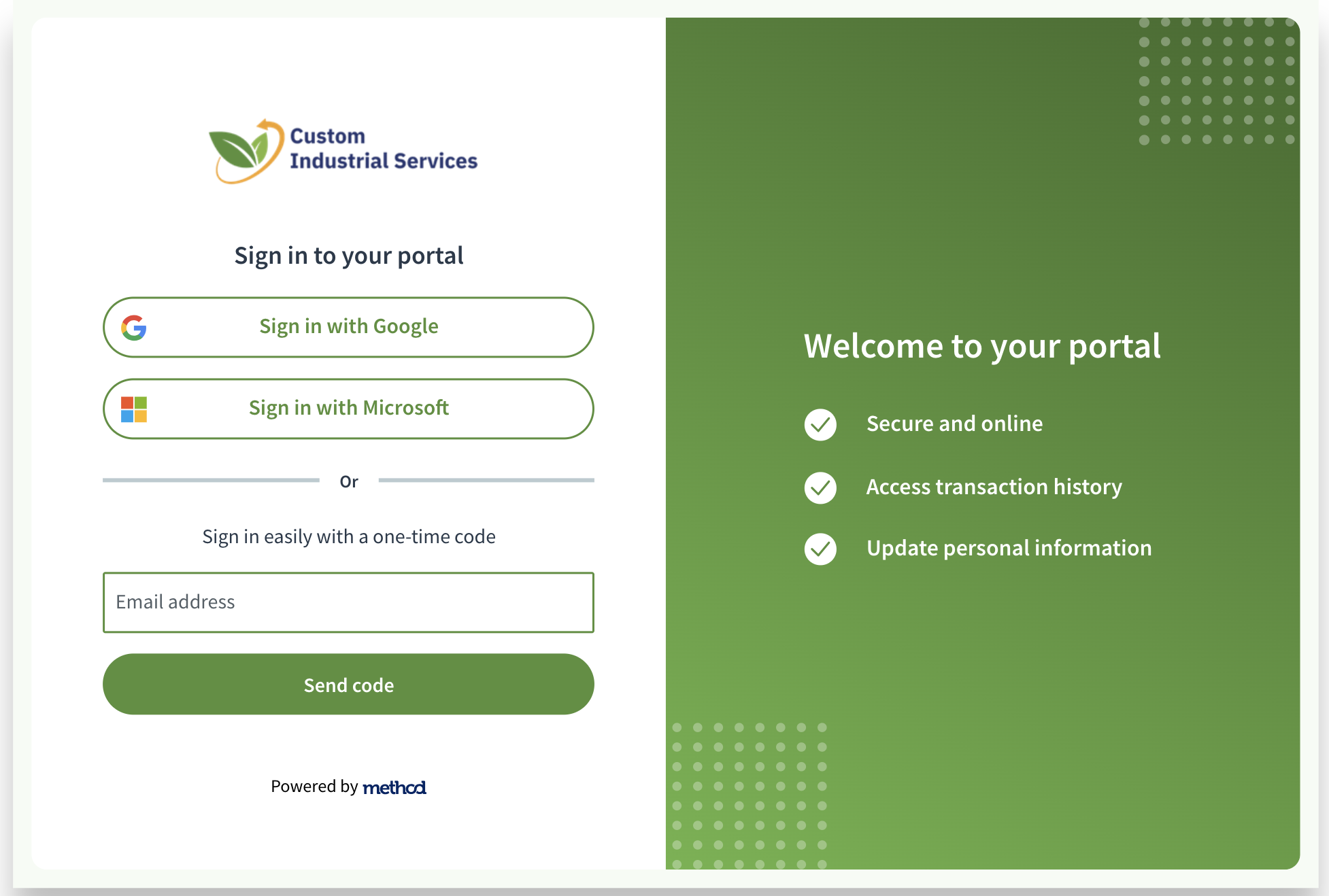
Use your existing Google or Microsoft business account for single sign-on, or enter your email for a secure one-time code.
No new passwords to memorize.
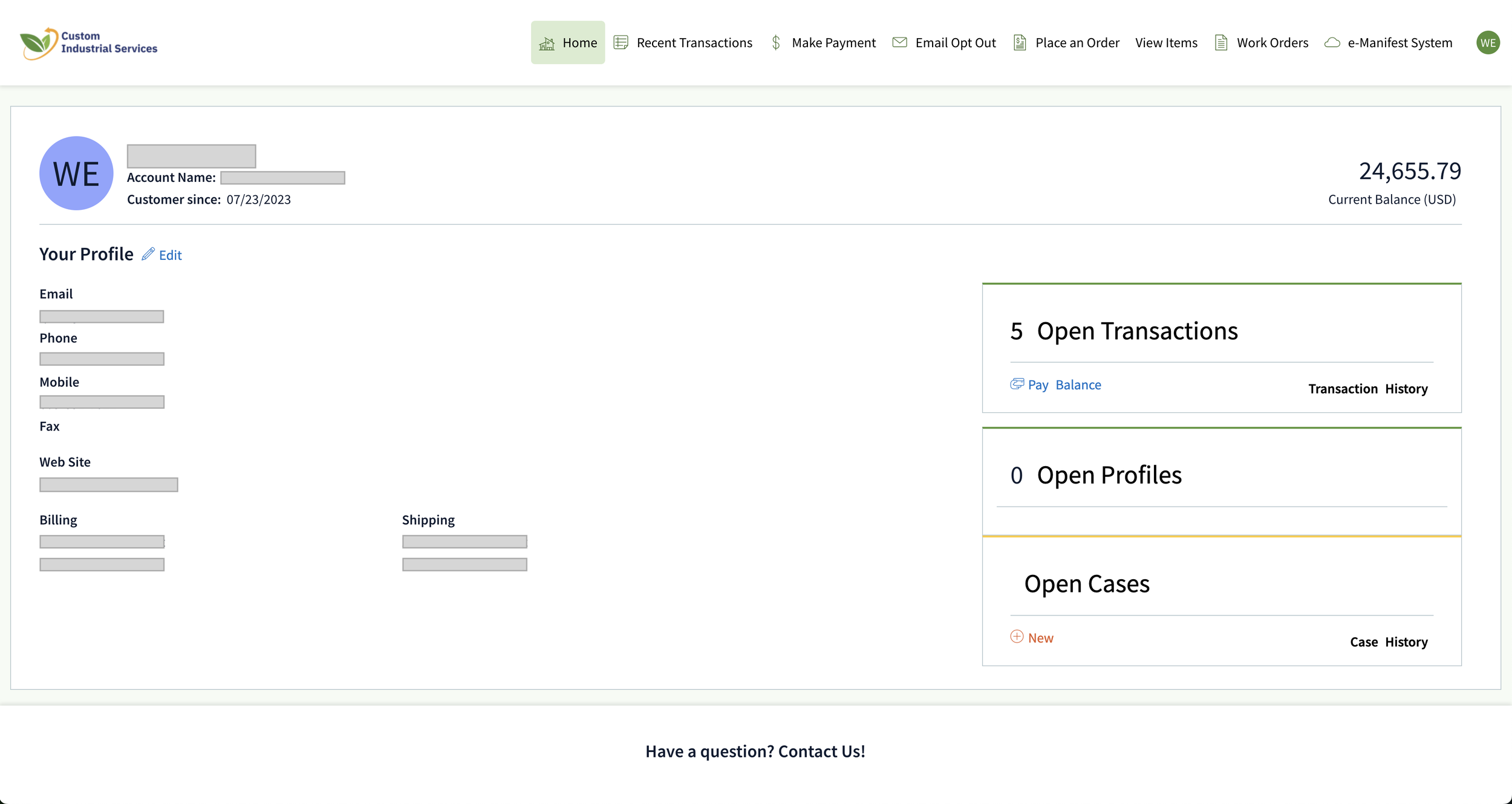
This is the 'Home' screen. You’ll see your current balance at a glance. If you have a question or a specific issue, look at the Open Cases section on the bottom right. Click 'New' to start a support case, create a new waste stream, or make changes to an existing one.
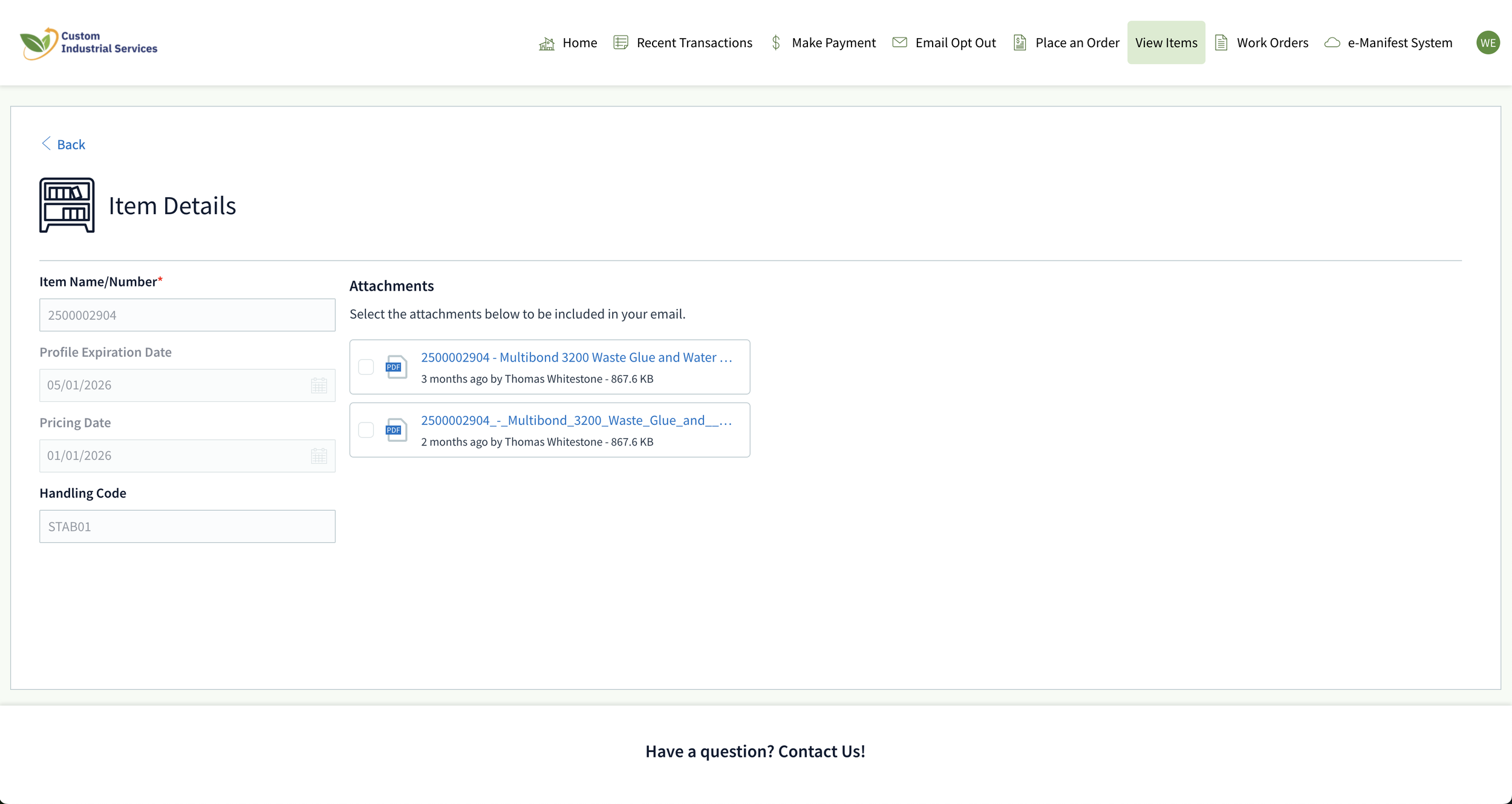
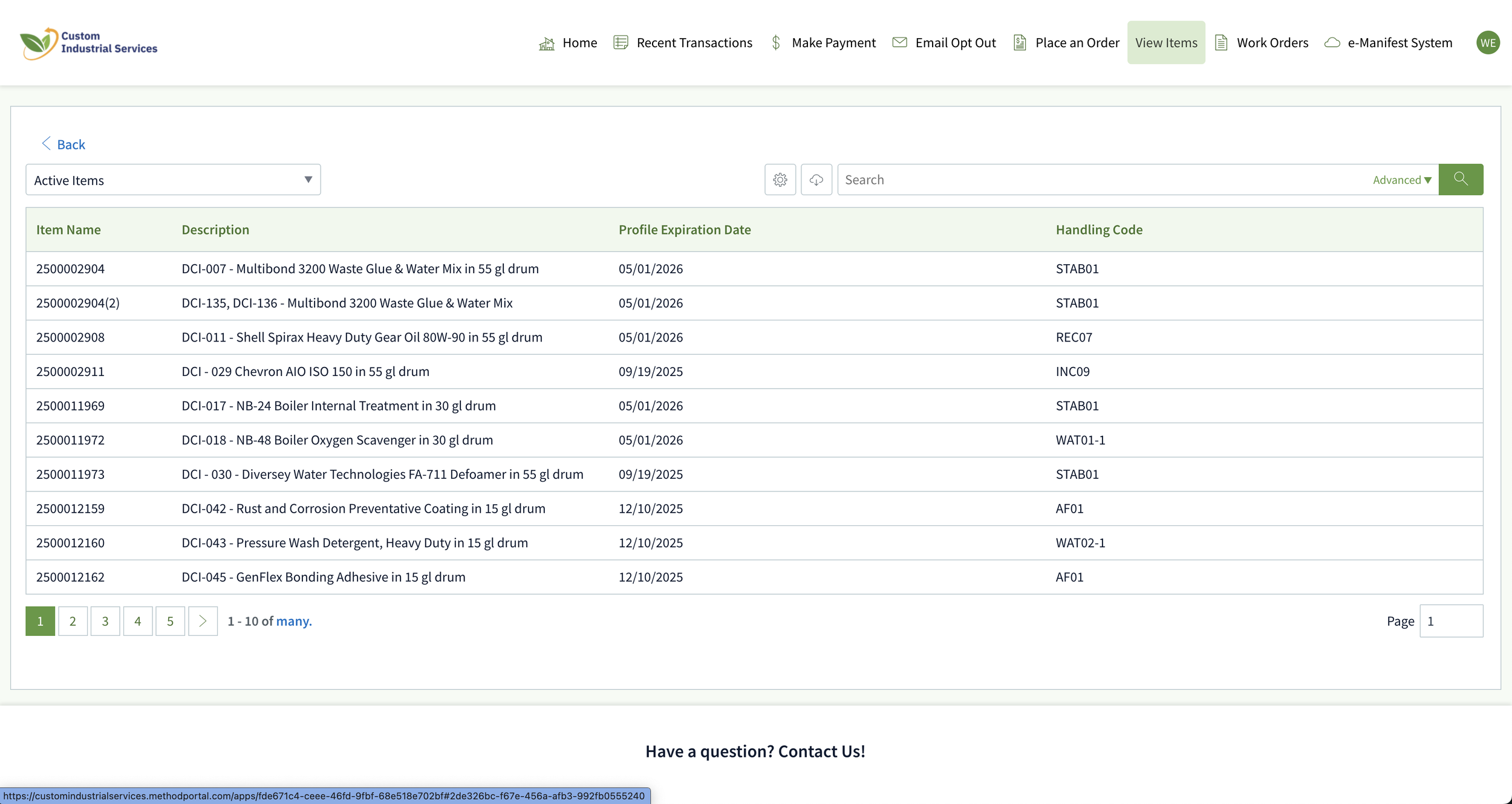
This is 'View Items' screen. Every waste profile we handle for you is listed here, along with their expiration date and waste process code. No more working off outdated spreadsheets. Need paperwork for your records? Click any item.
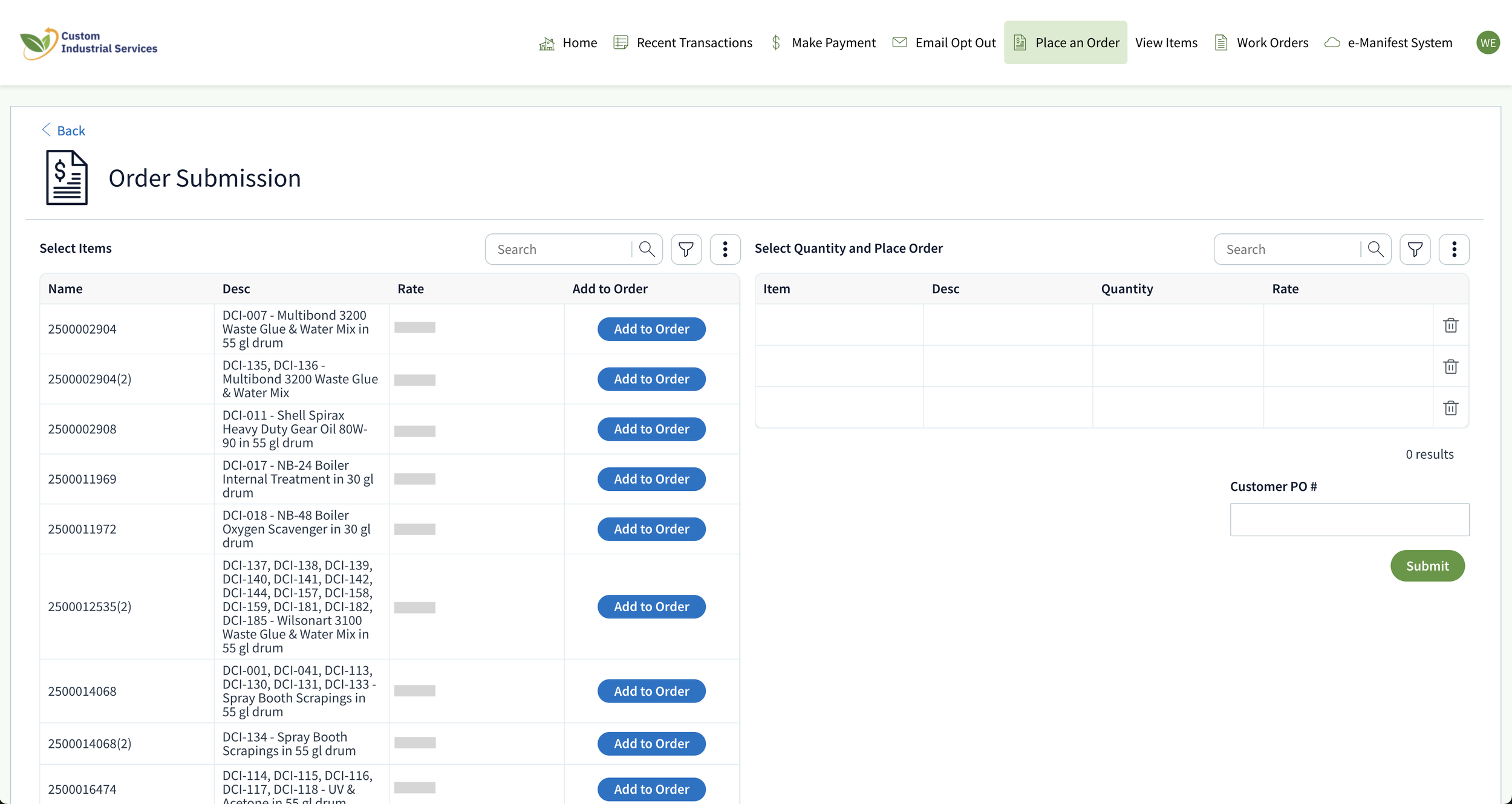
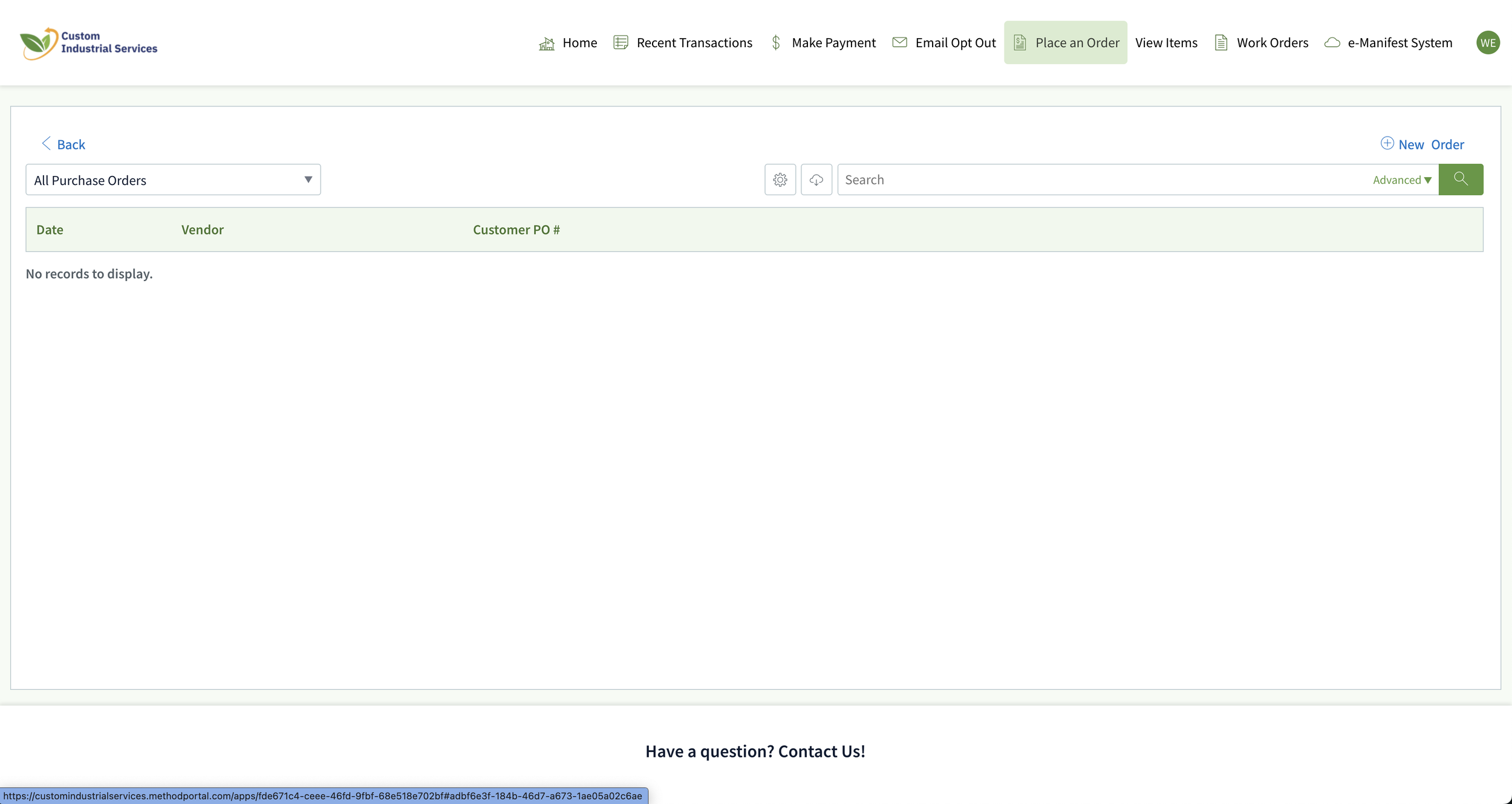
This is the 'Place an Order' screen. Any existing orders you have placed, but that have not been picked up, will appear here. To place a new order, click 'New Order'
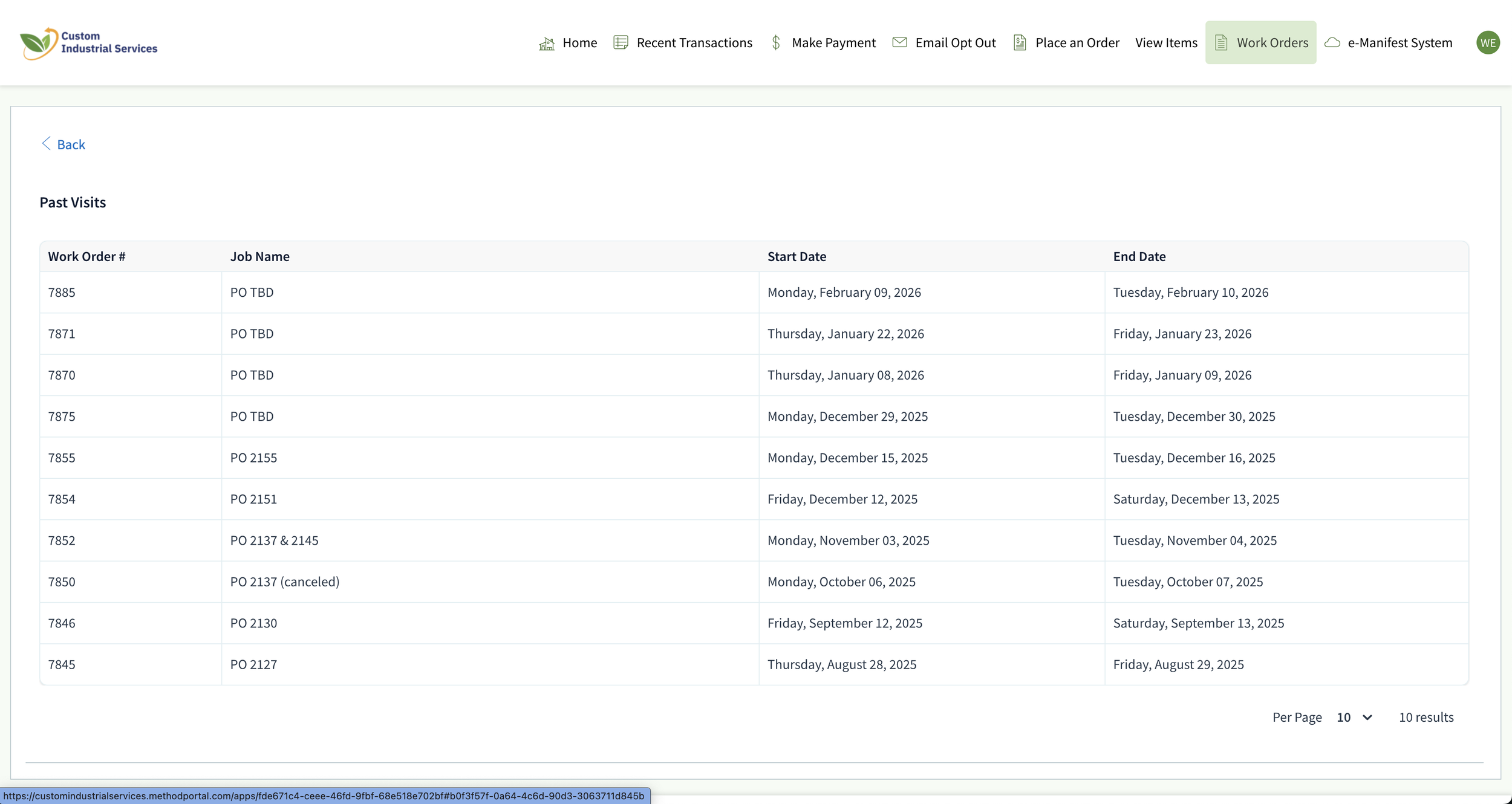
The Work Orders tab provides a complete history of every pickup we’ve performed. It’s the ultimate proof of service, categorized and ready for review whenever you need to prove a pickup happened. When manifests are finalized by the accepting facility, they will be attached to these items for your download.
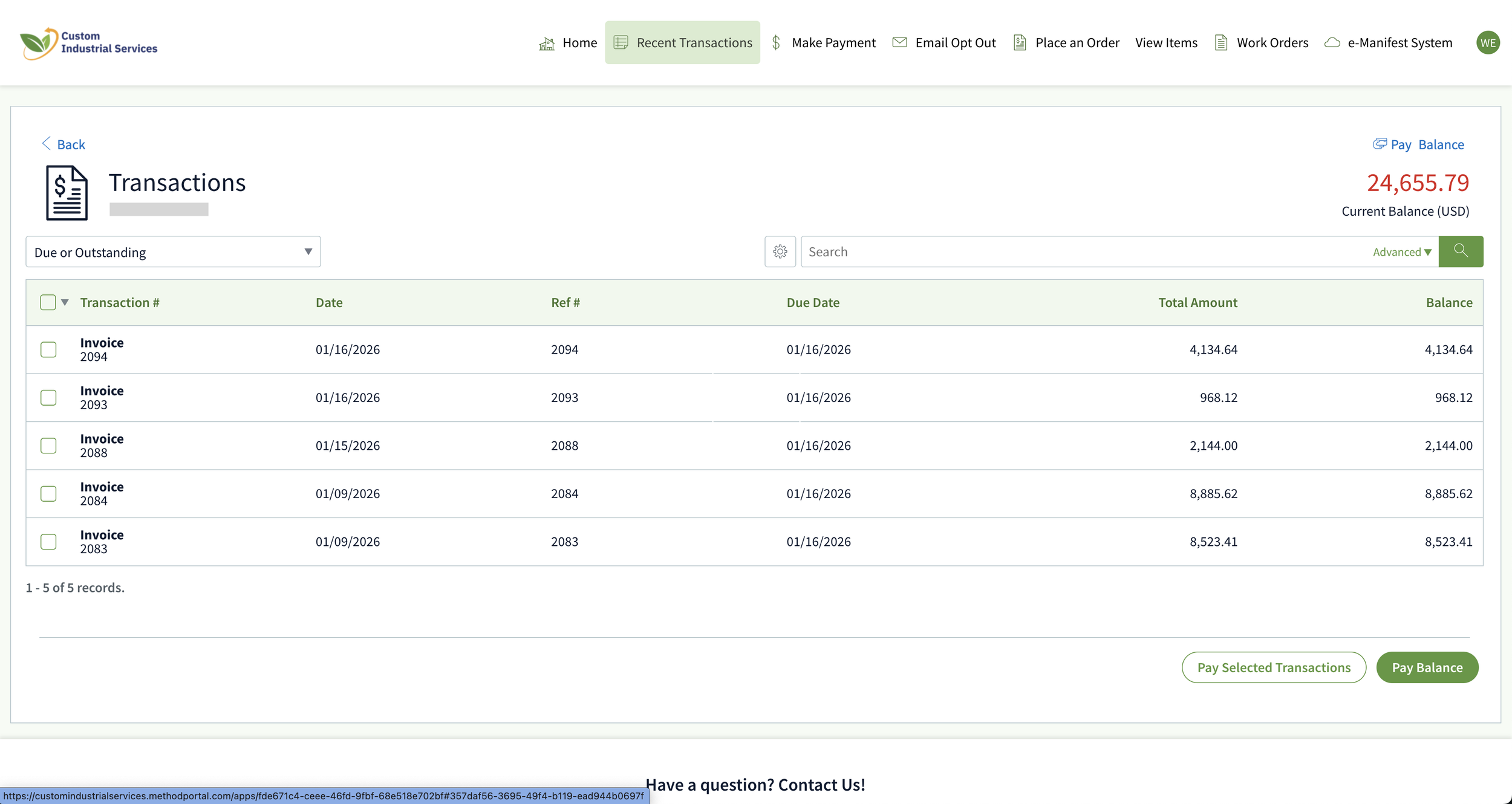
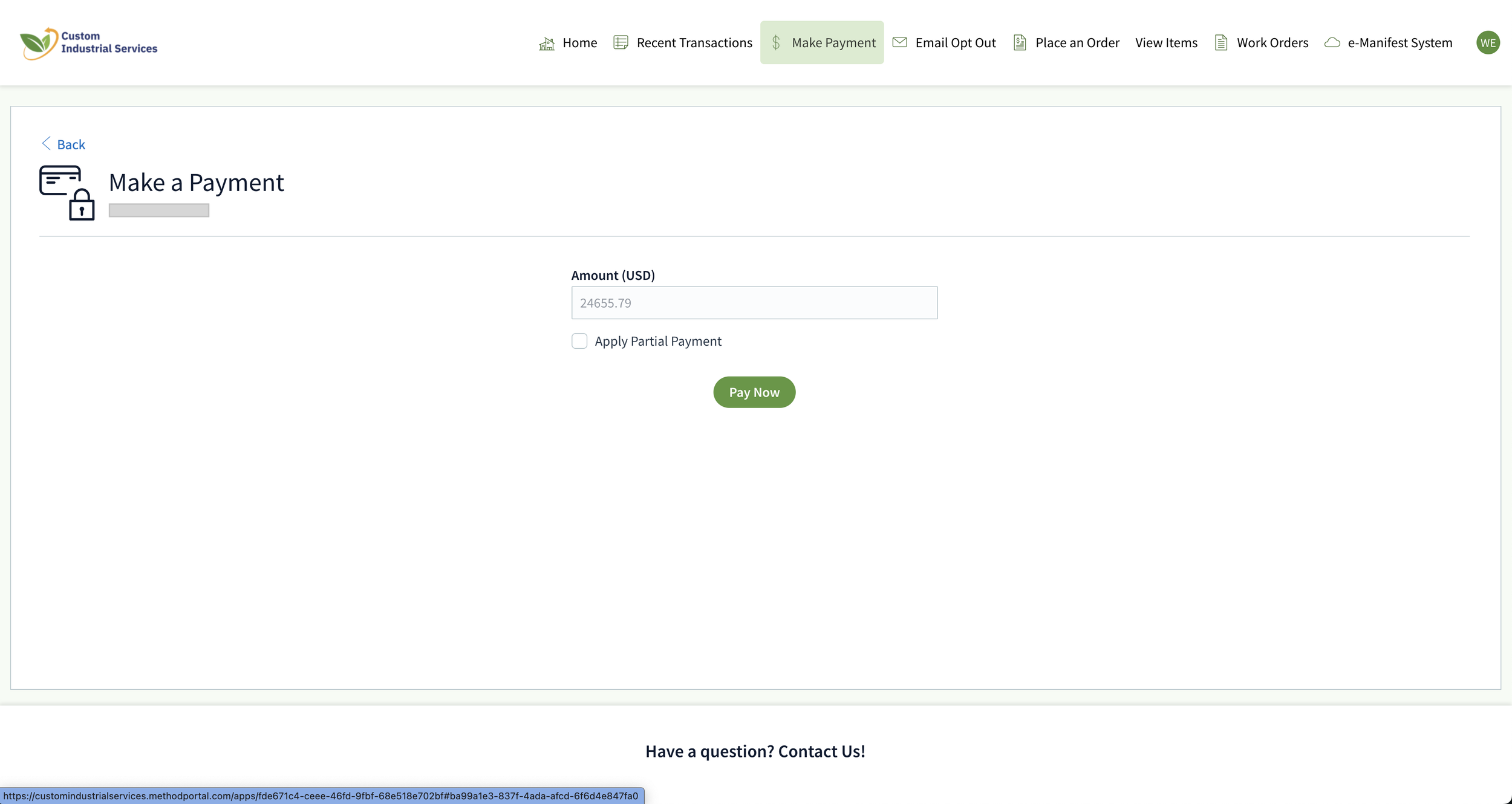
We’ve also simplified how you manage your invoices. In the Make Payment section, you can settle your balance instantly. You can pay via ACH or Credit Card, avoiding the delay of mailing physical checks.
All signed profiles, acceptance letters, and regulatory documents are stored in the Attachments section for instant download.
This is where we save you the most time. To request a pickup: First, find your item on the left and click 'Add to Order.'
Next, enter your Quantity. You can optionally put your Customer PO # at the bottom to ensure seamless billing.
Hit Submit, and you’re done. You'll receive an email confirmation of your order, and a pickup date in about a week.
The Recent Transactions tab is your digital audit trail. Here, you can view the status of every payment made and every invoice generated.
If your accounting department has a question, the answer is just one click away in this view.
This portal is part of our commitment to transparency and outstanding customer service. It’s about making your facility more compliant and your job a little easier.
Log in today and see the difference.
Thank you for being part of the Custom Industrial family.